PC Store Together Wiki & Guide
Fix repair orders, diagnose heat, and get your shop running. Step-by-step guides and quick answers for the Steam release.
Updated · Steam 1.0
Task guides
15 guidesRepairs & software
- Repair OrdersUse the job card and Build Sheet to diagnose a customer PC, then clear stuck Load Test checks, refit original parts, and finish the pickup.
- Bench Load TestRun the 25-second load test. At 95°C the in-game CPU slows. At 100°C the PC shuts off. Check cooling, rerun the test, and confirm the job tick.
- Workshop USBInstall a system on an empty replacement drive, use Try next when a drive is missing, and open USB apps on the customer's desktop.
- Drive ReplacementMatch the customer's old and new drives to the job card, swap them at the workbench, and check whether the PC detects the replacement.
- Virus RemovalBeat all four SearchPal screens, install Virus Remover from USB apps, and use Sentinel to finish the customer's virus job.
- Dust and Thermal PasteClear the dust count, clean and repaste the CPU if the job asks, refit the cooler and side panel, then rerun the cooling test.
Shop & PC builds
- Build and Sell PCsBuild a customer's exact-parts PC through Mail, or test and price a display PC. See how Hotfix 2 changes new-part value and buyer visits.
- Shop StockFind Kestrel Supply, Workshop inventory, and Stock Planner. Stock store shelves, place monitor displays, and fit large drive cartons on storage racks.
- CheckoutScan shelf products, take the customer's card or cash, and finish the sale. Learn which amount to enter and how to correct your change.
- Retail PricingCompare Kestrel Supply's unit cost with the market price, use Set Price on a shelf tag, and adjust when customers complain.
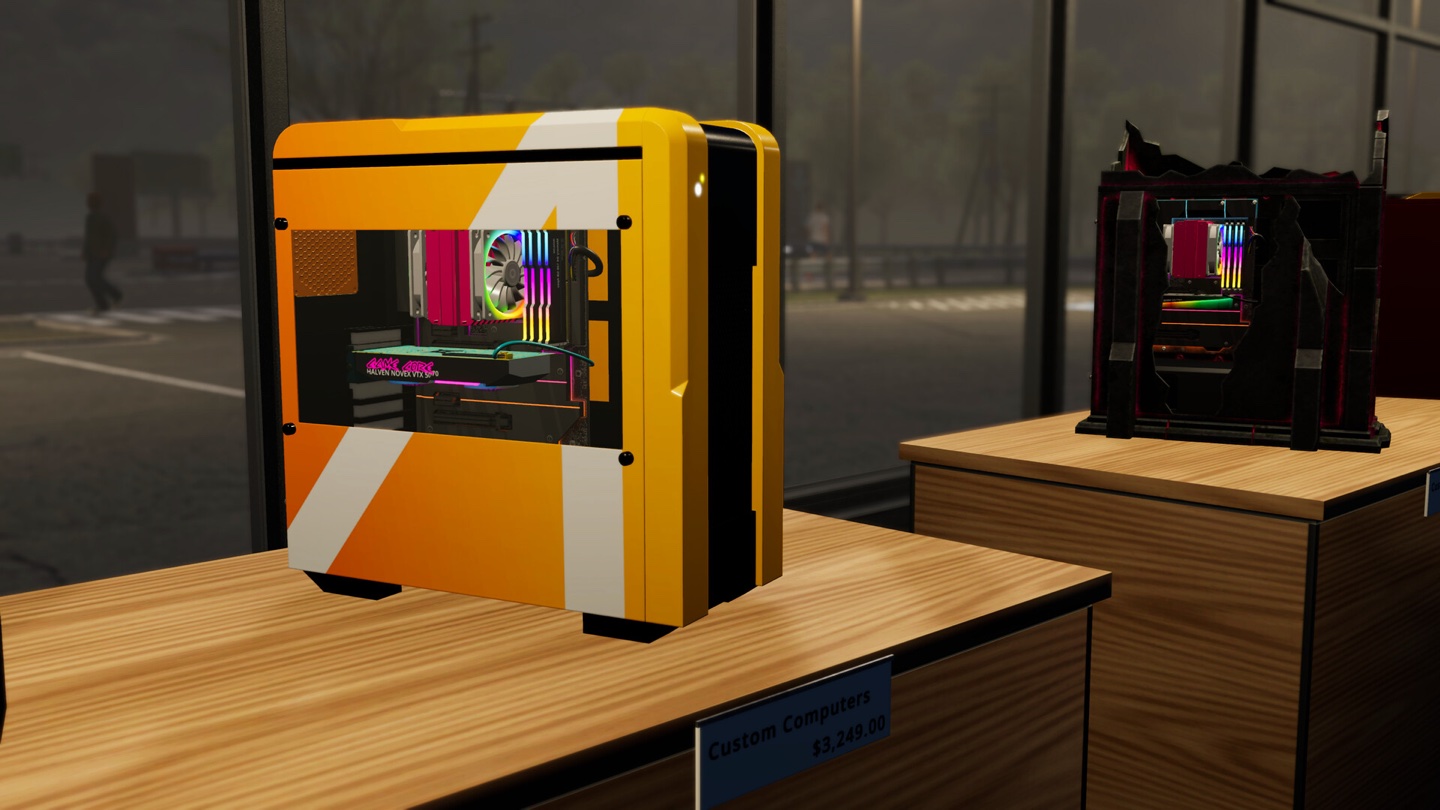
- Display PC SalesPlace a tested PC on a sales display and price it. See when the 3× buyer rate applies and how Hotfix 2 values new parts in a build.
- Shop LicencesFind Shop licences, check the level and cost, and buy a license to unlock new products. Follow a Level 3 Storage drives example.
Store management & co-op
- First Week & Co-opOpen your store, plan for the first weekly bill in Calendar, split jobs across up to four players, and swap your shop PC's case.
- Co-op Version MismatchRead who is on the outdated build, update and relaunch on Steam, compare both version numbers, and retry the co-op invite.
- Stutter and LoadingInstall the November 25 optimization update, retest your save, and try Steam's -force-d3d11 option if new objects still hitch after a restart.
Wiki directory
19 entries · Steam 1.0Workshop
- Bench Load Test
- This 25-second stress test tracks heat as the in-game CPU slows at 95°C and the PC shuts down at 100°C.
- Build Sheet
- The right-side workbench panel shows power use, cooling, and messages such as an overheating shutdown.
- Workshop USB
- Fit it at the bench to install a system on an empty drive or open USB apps from the customer's desktop.
- Virus Remover
- Install this in-game app from USB apps, run Scan and remove, and wait for Sentinel to say the PC is clean.
- Workshop Inventory
- Open it from Install on the workbench to choose loose parts and tools for PC jobs.
- Swap case
- Put the shop PC on the workbench and choose a replacement case from workshop storage.
- Drive Replacement
- Match the old and new drive names to the job card, fit the replacement at the bench, and check the Build Sheet for Needs a system.
- SearchPal Toolbar
- Clear the four Clingy toolbar screens, then use Sentinel to finish the virus-removal order.
- Air duster
- Select it in Install mode and hold on every outlined dusty part until the job counter clears.
- Paste cleaner
- With the cooler off, scrub the exposed CPU before applying fresh Thermal paste.
Shop
- Tech Support Mail
- Accept an exact-parts build, order its missing components, and send the pickup email here.
- Kestrel Supply
- Buy retail cartons from Stock Store on the shop PC.
- Stock Planner
- Scroll to the bottom of Management on the shop PC to find it.
- Calendar
- Open it on the shop PC to check the next weekly bill and set aside cash.
- Checkout
- Scan purchases, take the customer's payment, and approve the card amount or the matching cash change.
- Set Price
- Use the stocked product's shelf tag to compare market price and per-item profit and confirm a price.
- PC sales display
- Place and price a finished PC here to enable the higher PC-buyer visit rate.
- Shop licences
- Check a range's level and fee, buy it, and order the newly unlocked retail cartons in Stock Store.
Co-op
- Co-op version mismatch
- Check which player the join error names. Have that player update in Steam and relaunch, then compare versions in the main or Esc menu.
No entries match this search.
Directory updated